
Is it true that by simply inputting a few lines of natural language requirements, an AI can generate "omnipotent" programs? This is the impression "Vibe Coding" aims to instill. But is that the reality? If your goal is just to make a webpage or generate a simple mini-game, then sure. However, if you want something with specific functionality—even a small project—it's not quite that easy.
Even though current AI Agents are very powerful, there are still five points you must pay close attention to.
1. Always Start with Design
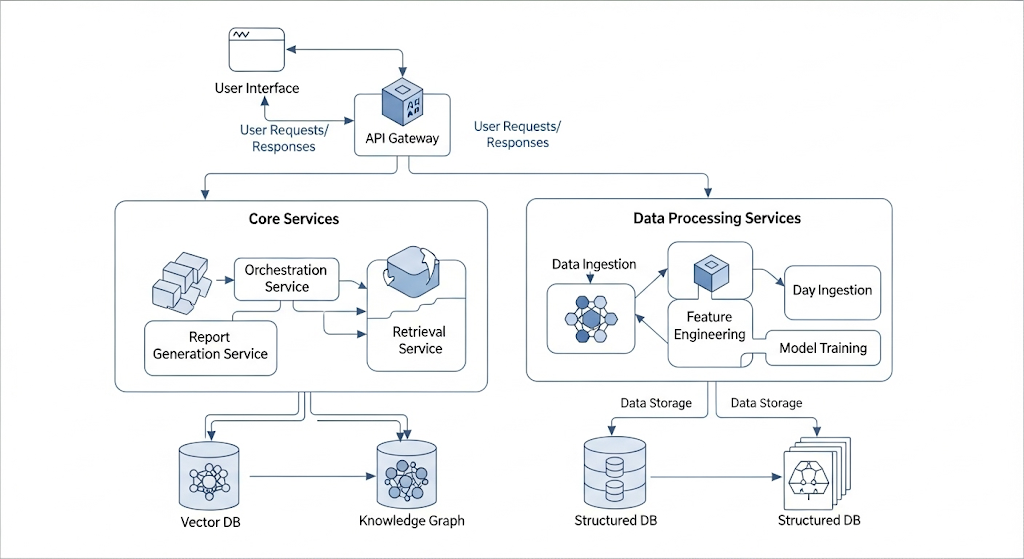
In IDEs like Cursor and Claude Code, after a user starts from a blank project and provides requirements, the Agent performs a "design" step and provides a to-do list. In reality, this isn't true design; it's just translating the user's requirements into a task list.
True design requires the user to interact separately with a superior model to generate design documents or even prototype code. During this process, humans must repeatedly verify whether the structure is logical and if the technical solutions are feasible. It is especially important to avoid overly complex structural designs. While modern models tend to offer "perfect" designs, remember: Simple >> Perfect.
2. Always Save and Use GitHub
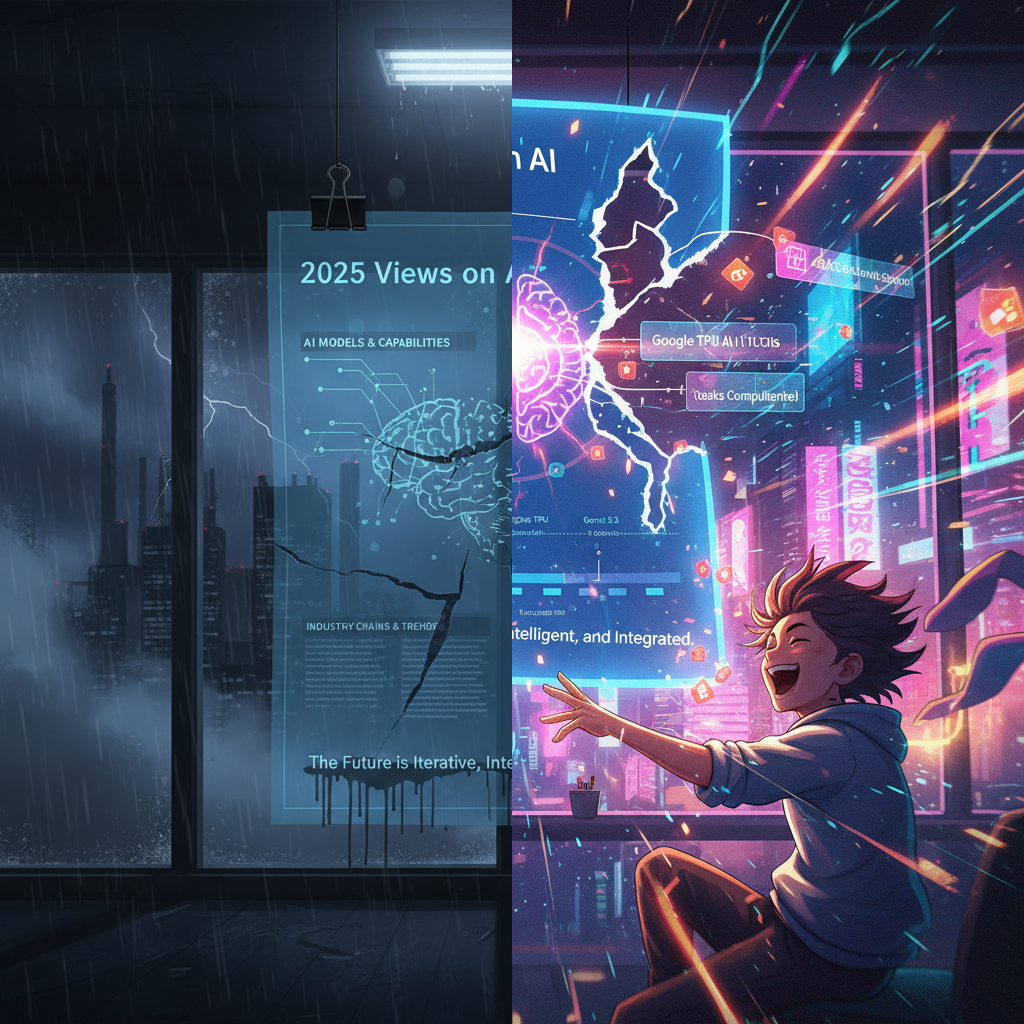
Long-term professional habits have led me to instinctively use two sets of shortcuts: "ESC+:+w" in Vim and "Ctrl+S" in desktop systems. In the era before auto-save, manual saving was a mandatory habit. In the Vibe Coding era, although some IDEs have introduced "checkpoint recovery" features, small issues still occur frequently. Moreover, every request is like opening a "blind box"—you never know if the Agent’s next step will reveal its angelic side or its demonic side.
Therefore, the best approach is to create a new GitHub repository (or any other code repo) and perform a first commit as soon as the Agent produces a version that seems fundamentally functional according to the design. From then on, make it a habit to push code after every successful functional change. Every time the Agent messes up the code or gets stuck in a loop, discard all changes since the last commit and try the "blind box" again.
3. Change Only One Feature at a Time
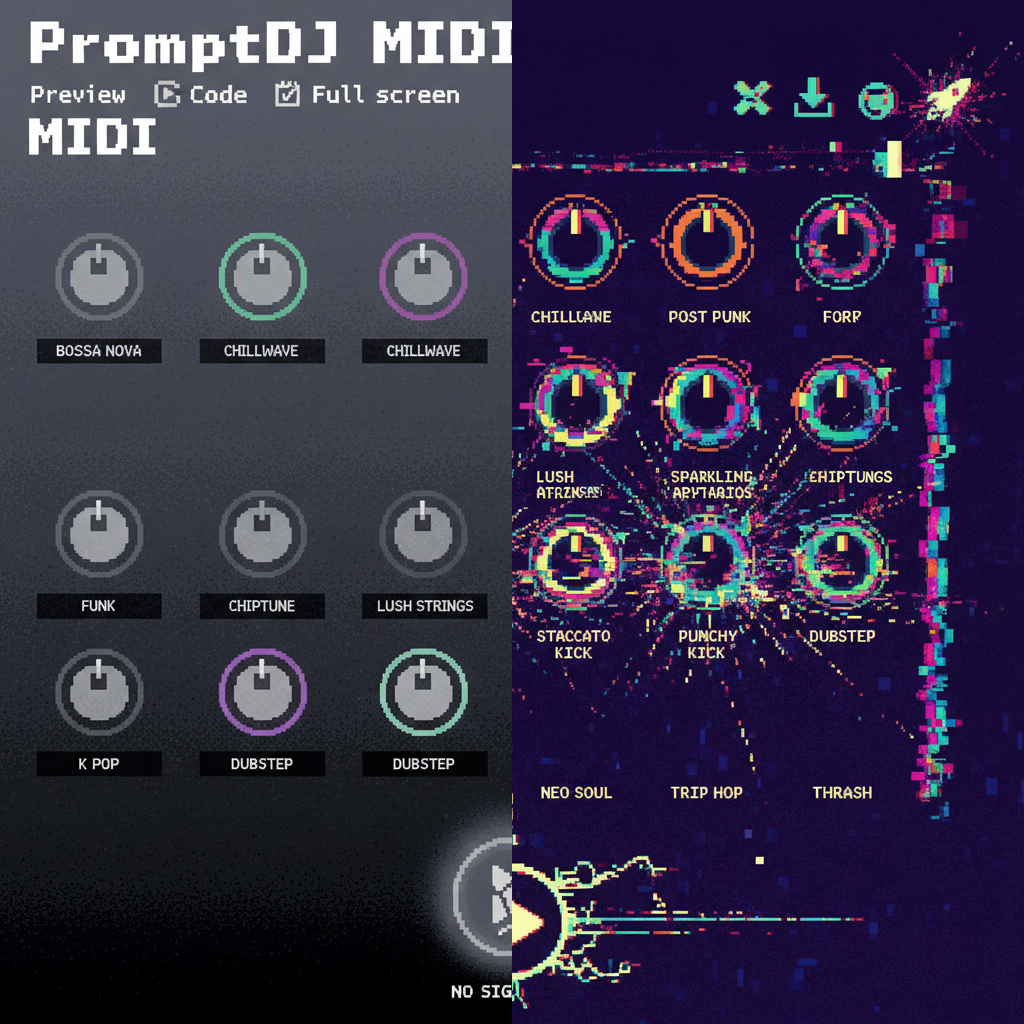
Don't be too greedy. Carefully change one feature at a time—unless you are prepared to take a big risk and see if Lady Luck is on your side.
4. Monitor the Agent's Progress at All Times
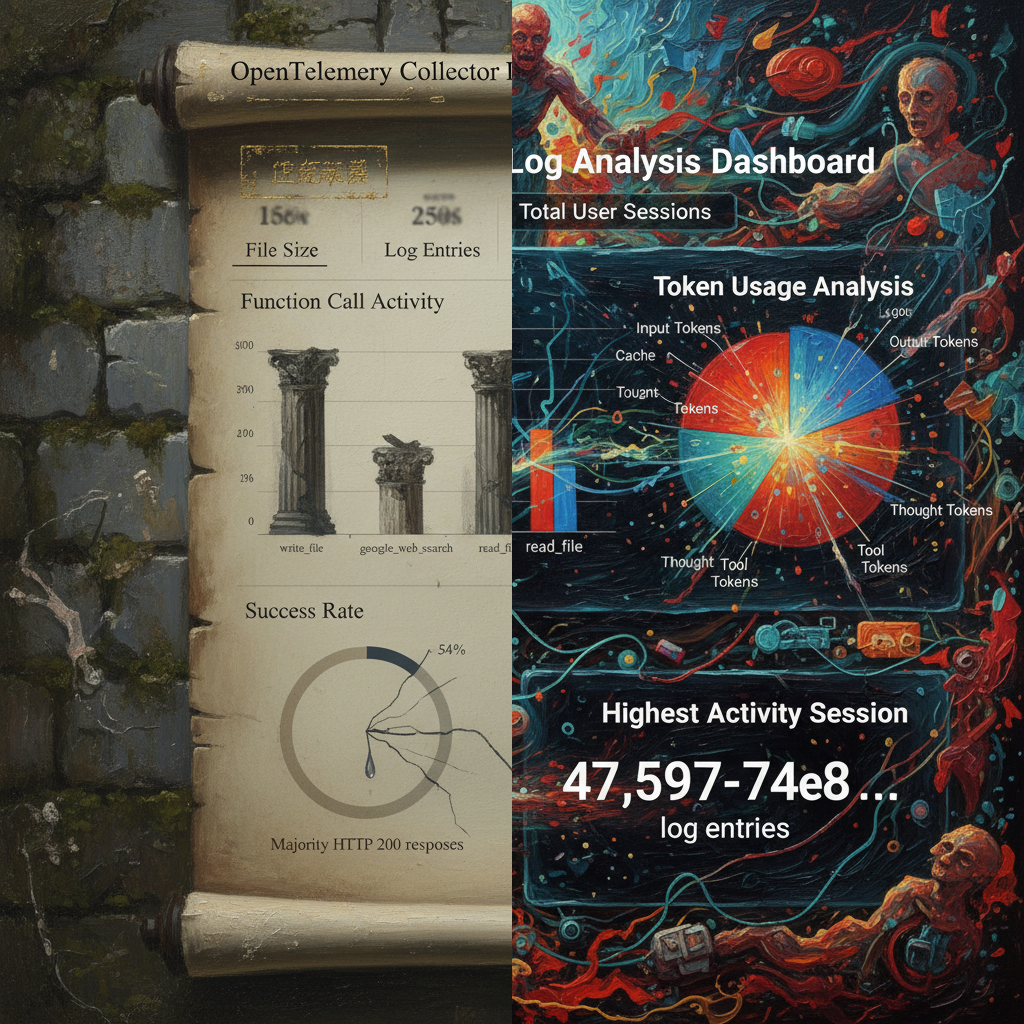
You must watch the Agent while it works. Modern IDEs usually ask for permission before certain operations: "Allow once," "Always allow in session," or "Deny." I usually choose "Allow once" a few times, and once everything is running smoothly, I switch to "Always allow." However, Agents still make common low-level mistakes: getting directories wrong (this happens often), repeatedly deleting and creating files when stuck in a loop, and generating increasingly nonsensical shell commands. Vibe Coding doesn't mean letting the Agent run wild while you walk away; you must stay focused on what it’s doing. This isn't a waste of time because its generation and execution speed are much higher than a human's. Watching an Agent work can actually be quite enjoyable. Most importantly: if you see things going south, stop it immediately (although Claude Code allows for user instructions during execution, it reacts slowly), adjust the direction, or simply revert to a previous state.
Do points 3 and 4 sound like the "S&L" (Save & Load) strategy from gaming?
5. Always Pay Attention to Documentation
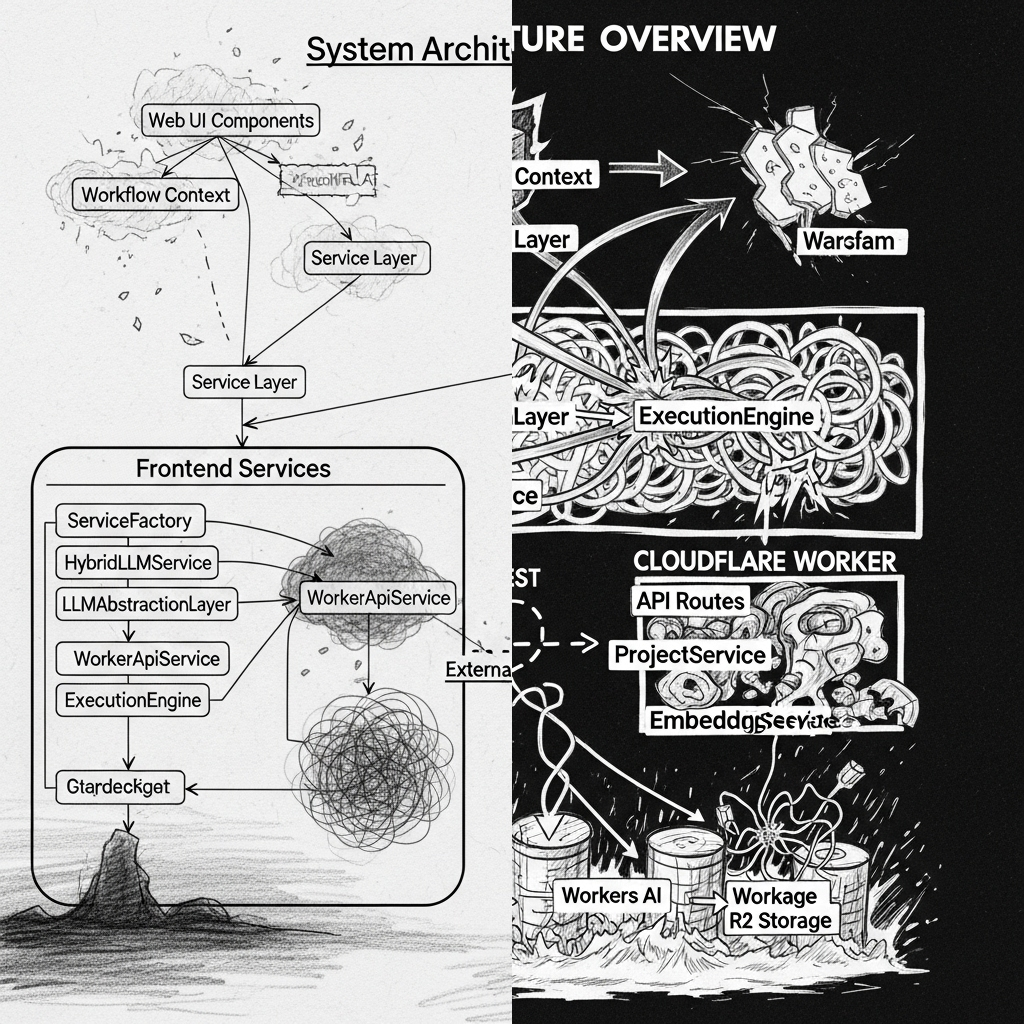
A common criticism of Vibe Coding is that it produces too much code and too many bugs for a human to modify. Therefore, an essential method is to have the Agent update or create documentation—including the README, system architecture diagrams, and flowcharts—at every minor milestone. By looking at the diagrams before the code, your navigation will be much better. Documentation also has the benefit of clearly highlighting implementations that contradict the design or obvious structural redundancies. When you see these, don't hesitate—point them out immediately and have the Agent correct them.